
Run a built-in skill
Skiller ships with two built-in example skills — greeter and mind-reader — so you can run a
real workflow before writing one. This walkthrough has you list them, run each, and watch the
live execution graph react as the steps fire.
1. List the available skills
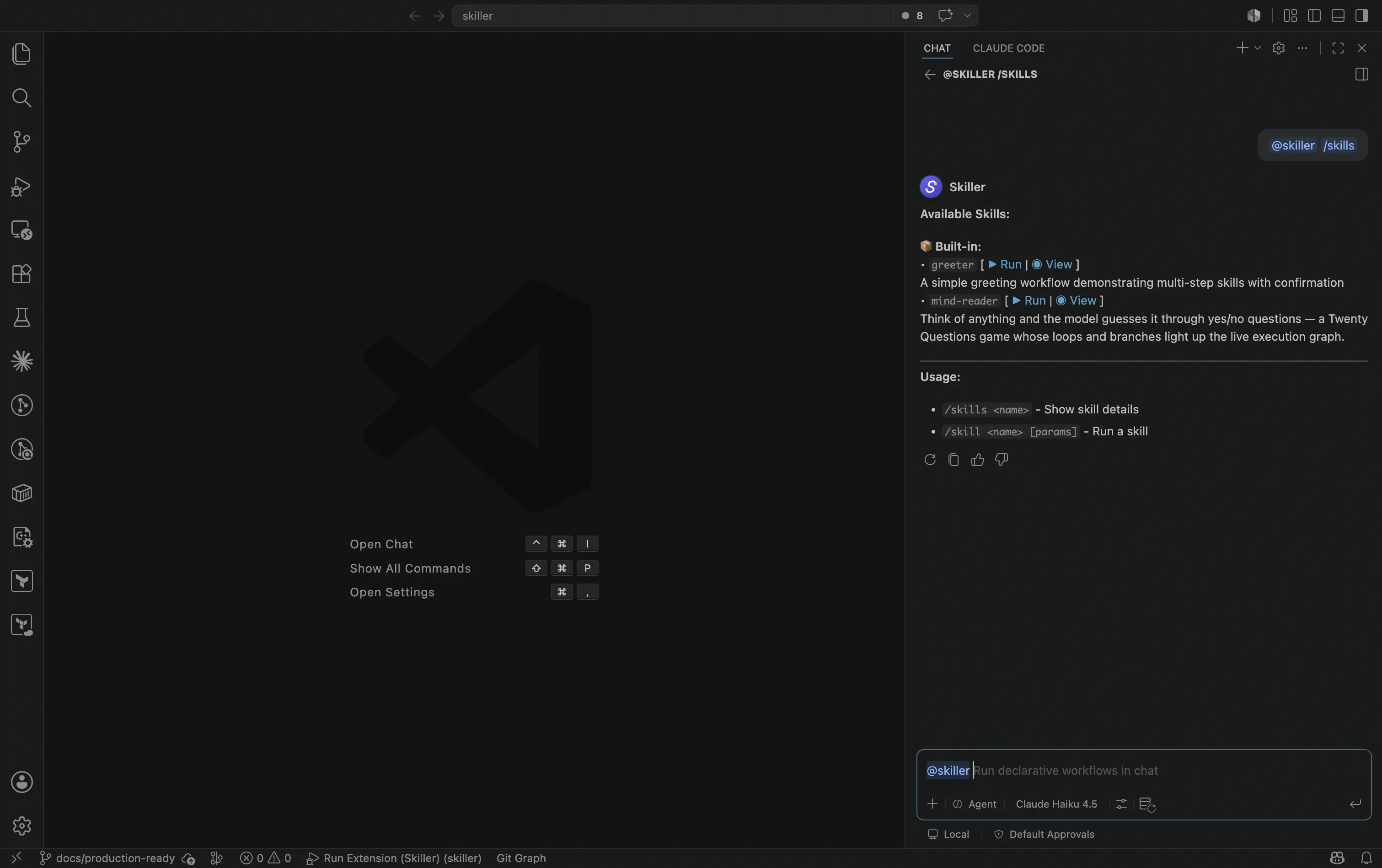
Section titled “1. List the available skills”Open the Chat view and ask @skiller what it can run:
@skiller /skillsYou’ll see greeter and mind-reader (plus any skills you’ve added in your workspace or user
folder), each with Run and View actions:
If the list looks stale after you edit a skill.yaml, run @skiller /reload to re-scan.
2. Run greeter — meet the confirmation pause
Section titled “2. Run greeter — meet the confirmation pause”@skiller /skill greetergreeter prompts for your name, generates a personalized greeting, then pauses and asks whether
you’d also like a fun fact. That pause is a confirmation step — Skiller’s human-in-the-loop core.
Nothing happens until you click an option:
- Yes, give me a fun fact continues to the next step.
- No thanks, just the greeting aborts the run there.
You can pass launch arguments to skip the prompt:
@skiller /skill greeter name=Ada3. Run mind-reader — watch the graph branch and loop
Section titled “3. Run mind-reader — watch the graph branch and loop”@skiller /skill mind-readermind-reader is a game of Twenty Questions: think of something, and the model asks yes/no questions
until it guesses. Each answer you click either loops back to ask another question or branches
forward to the guess — control flow driven by goto confirmation options.
Open the skill’s live execution graph — run @skiller /skills mind-reader
(or click View in the /skills list), which opens it in the side panel — then play a few rounds.
Watch the active step highlight, the traversed edge animate,
and the loop edge light up each time you send the model back to ask again. This branching and looping
is the surface the graph is built to make visible.
Commands
Section titled “Commands”/skills, /skill, and /reload are three of nine @skiller slash commands. For the full set —
including the /status, /cancel, and /reset control commands — see the
Commands reference.
A message that is not a slash command and not a skill gets a short hint. Skiller doesn’t do free-form chat.
Ready to build your own? Write your first skill →